Pick the plant
Start with the species, not a generic reminder.
Product
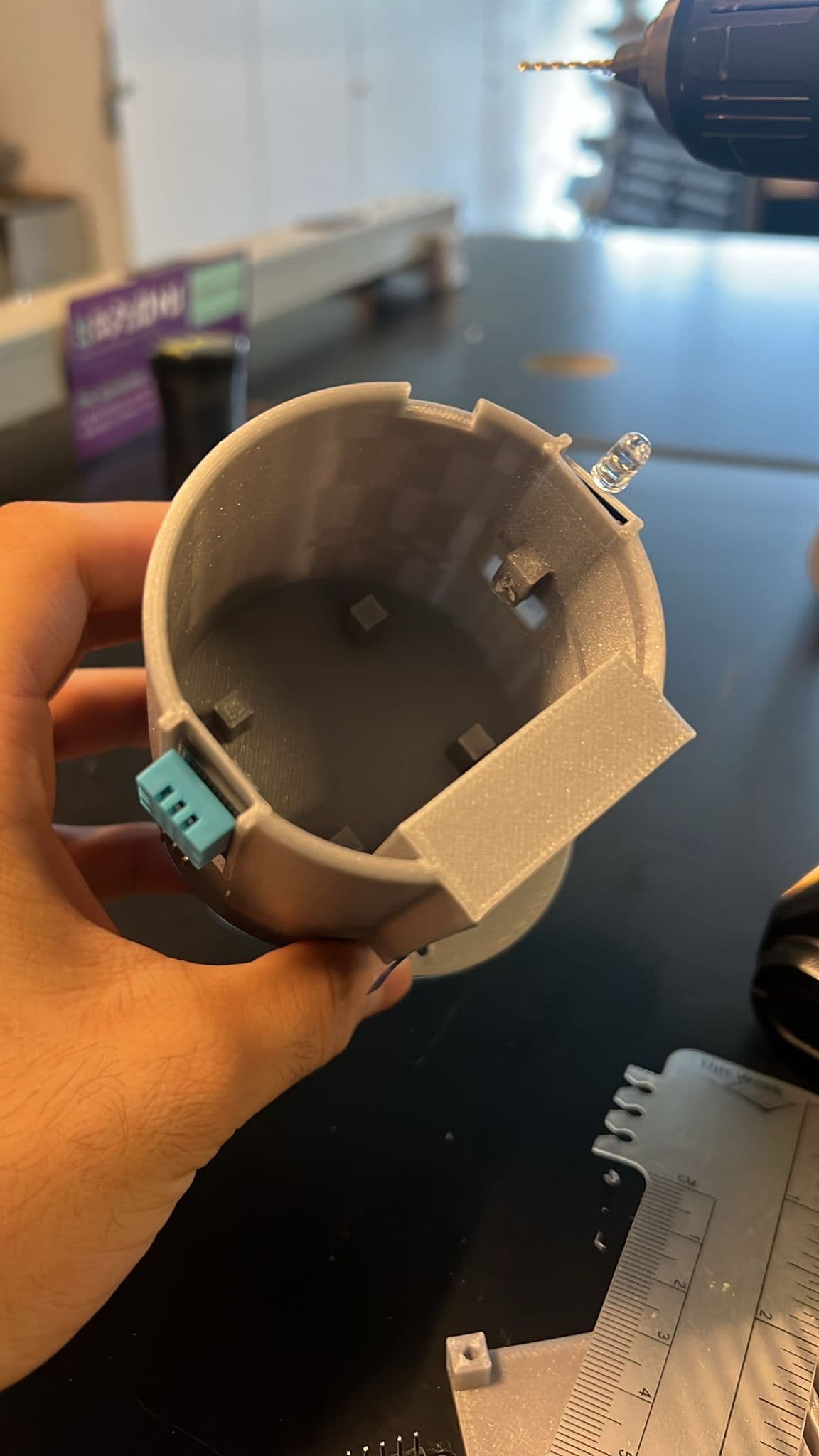
Start with the app. Add Bloom Pot when you want live readings from the planter.
How it helps
Bloom Better keeps the care loop small: plant, reading, reason, next step.
Start with the species, not a generic reminder.
Bloom Pot watches soil and room changes between check-ins.
The app explains when to water, when to wait, and why.
Live insight
The product is useful when readings become plain-language decisions.
Peace Lily
Wait today. The soil is still in Peace Lily's comfort range.
Signals
Shows whether the pot is below, inside, or above the plant's range.
Helps explain stretched growth, slow drying, and placement changes.
Adds room context when a plant dries faster or slows down.
Next